
Floniks Blog
AI creation tutorials, product updates, industry insights, and user showcases. Turn scattered tips into reusable production methods.
Record Once, Use It on Every Song: Saved Voices on Floniks
Tick "save this voice" on AI Cover and your voice goes into your own asset library — one tap to reuse it on every song afterwards, in both the cover and new-song tabs. No re-uploading, and new songs skip voice cloning entirely, cutting roughly 45 seconds off the wait.
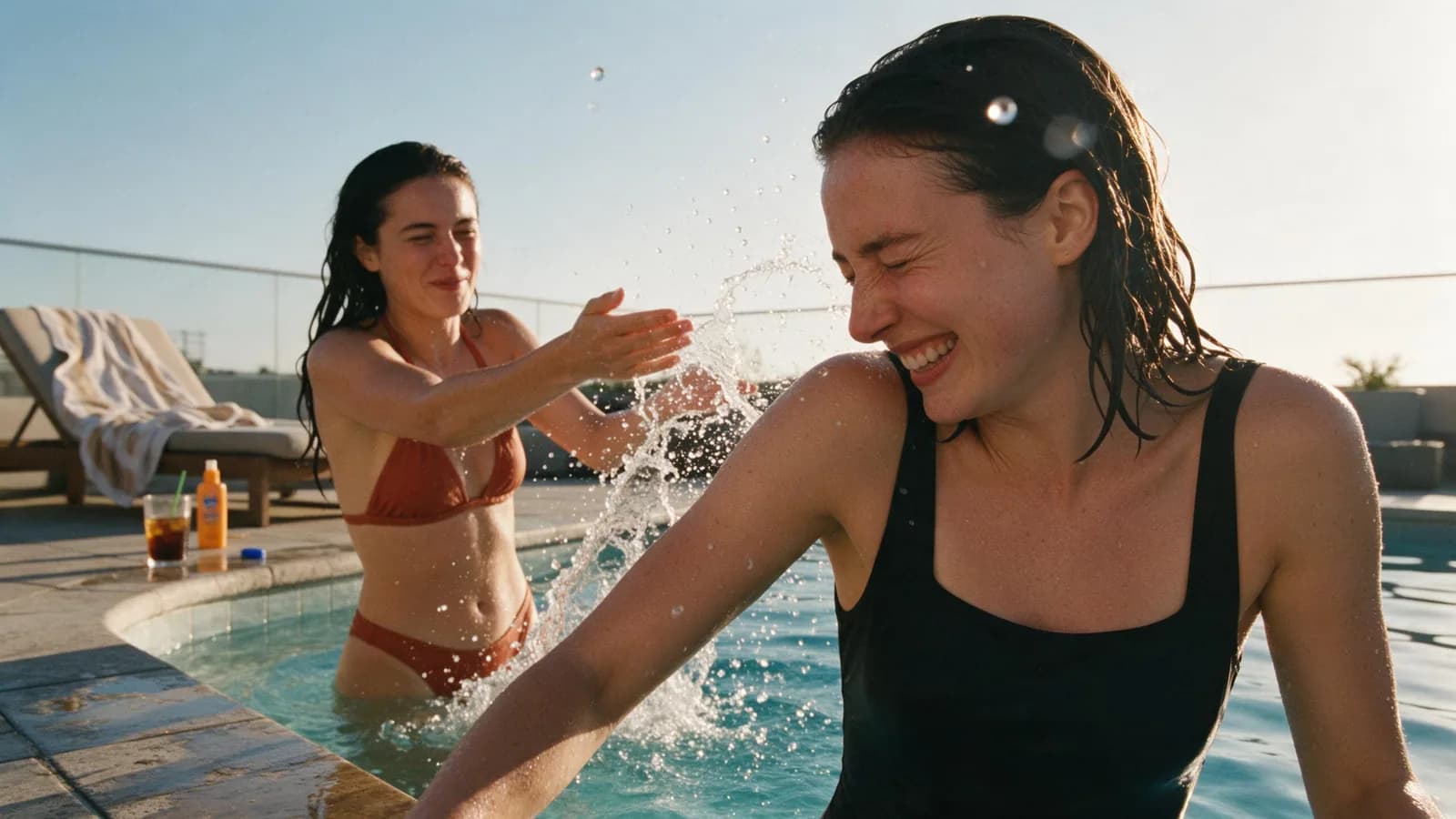
Make AI Summer Swimwear Photos Look Like Real Snapshots: A 39-Rule Skill, Distilled to Eight
We took a widely shared 39-rule prompt skill for candid summer swimwear photography and distilled it into eight rules — one frame, one event, a camera you can name, real skin, lived-in clutter, photographic imperfections, character DNA translation — then ran it on Floniks across five image models and one video model. Includes a copy-paste prompt skeleton and a model-by-model comparison.
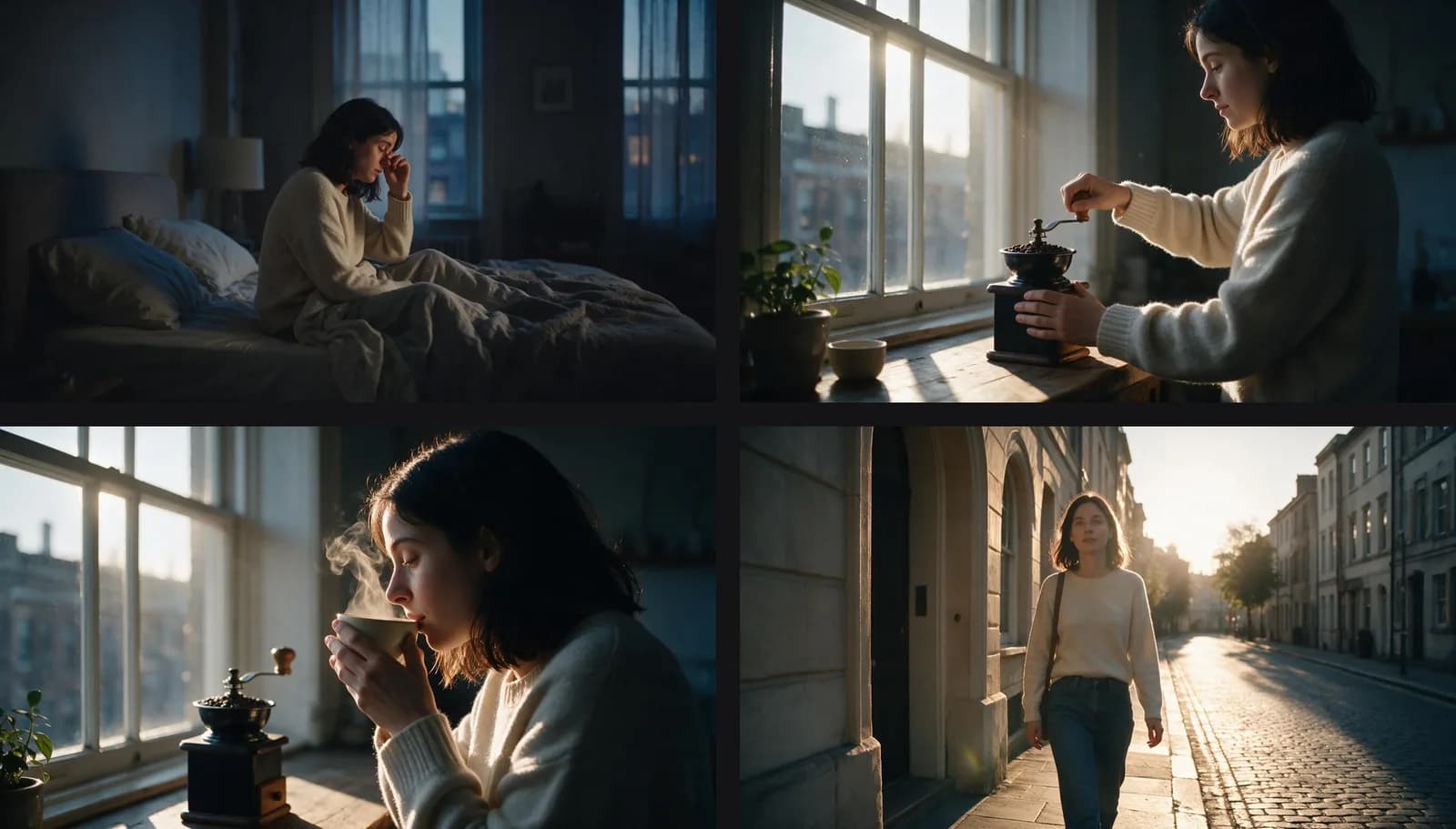
An Agent Built and Published Three Workflows. Here Is the Log.
We handed Floniks to an AI agent over MCP and asked it to fill a gap in our template library. It read the node catalogue, designed three multi-step pipelines, hit two real bugs, diagnosed both, redesigned around them, and published the results as public templates — without the editor ever being opened. The interesting part is the debugging.
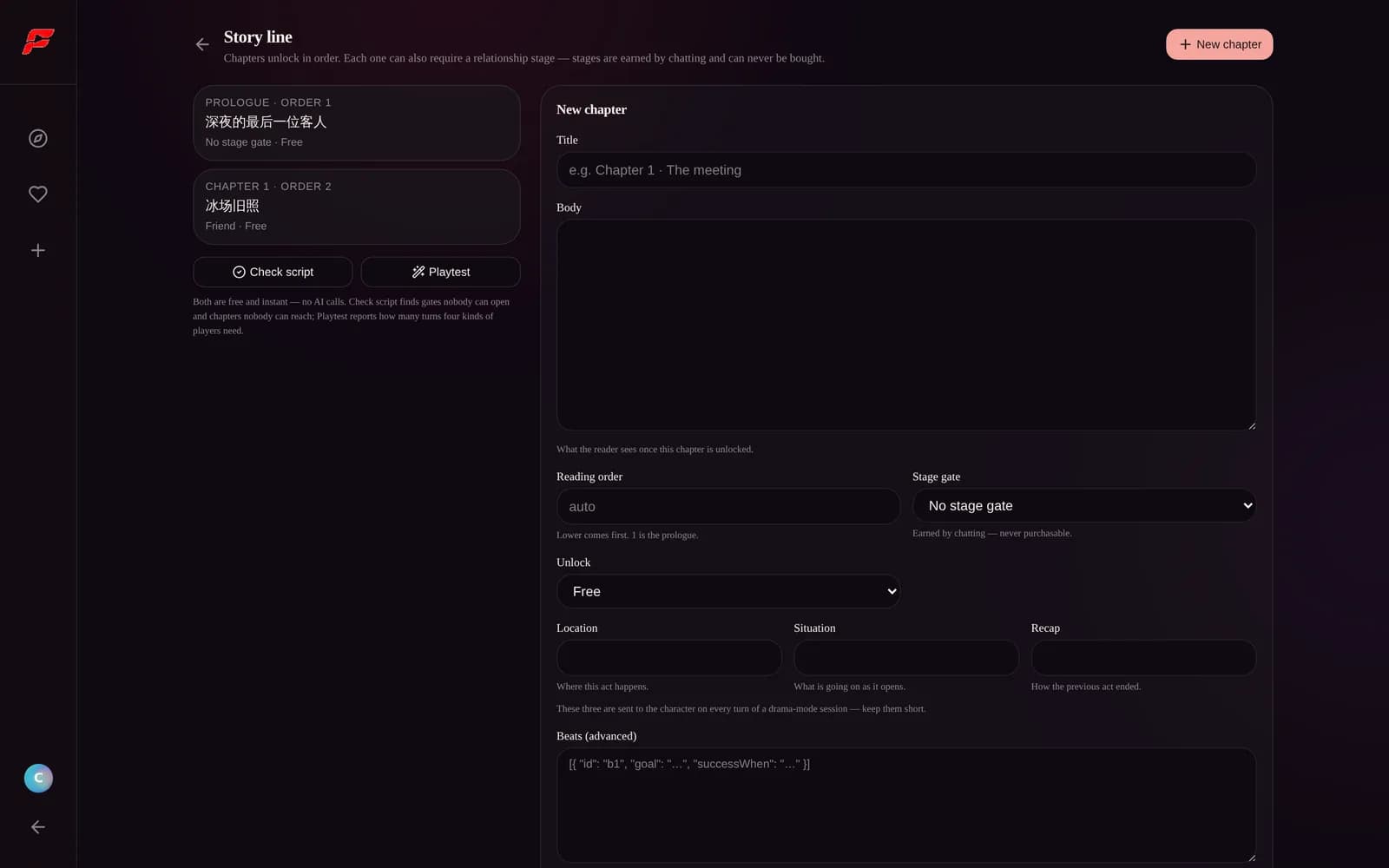
Create Your First AI Character and Story: A Click-by-Click Guide
From an empty form to a verified, playable story — every step and every field, with a screenshot of the actual screen. We build a real character along the way: A-Che, a retired speed-skating champion running a late-night coffee shop, covering look generation, persona, example lines and boundaries, chapter scene headers, stage gates and unlock rules, and the free script check before anyone plays.
Design an Unlockable Story for Your AI Character
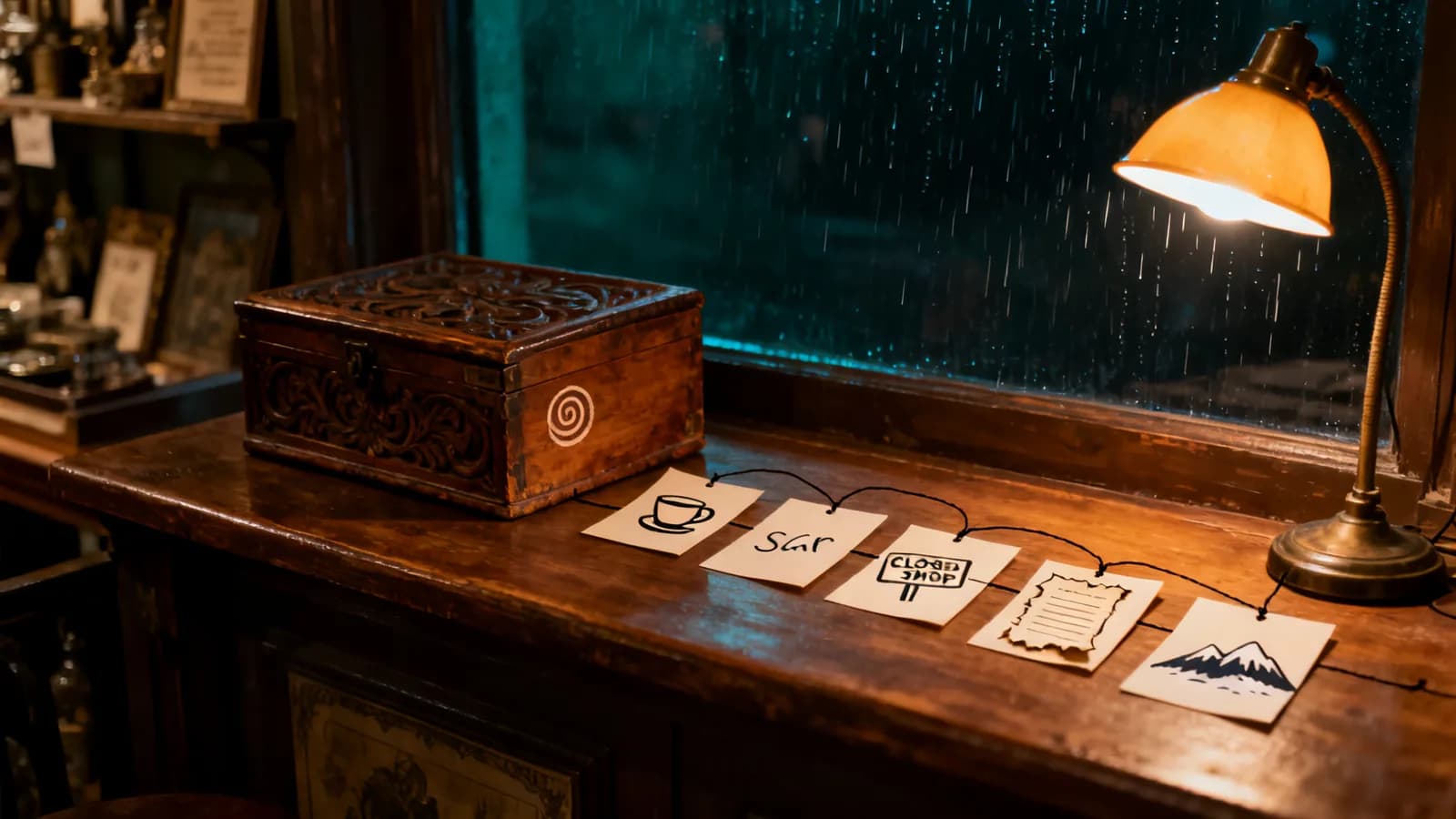
A character who only chats runs dry in about three days. This guide walks through designing a story line end to end, using a character we built ourselves — how to pin down the person before the plot, break the core secret into a five-layer ladder, lay out chapters and gates (and why a paid gate must never sit mid-chain), write beats that never dead-end, and verify the whole thing for free before anyone plays it.
Create an AI Companion Character: The Complete Setup Guide
A great AI character is a set of choices, not a lucky prompt. This guide walks through every setting on the Floniks character creation screen — personality, speaking style, greeting, reply modes (including the new drama default and inner voice), intimacy tier, voice and world — so your character feels alive from the first message.
Sing Any Song in Your Own Voice: Meet AI Cover on Floniks
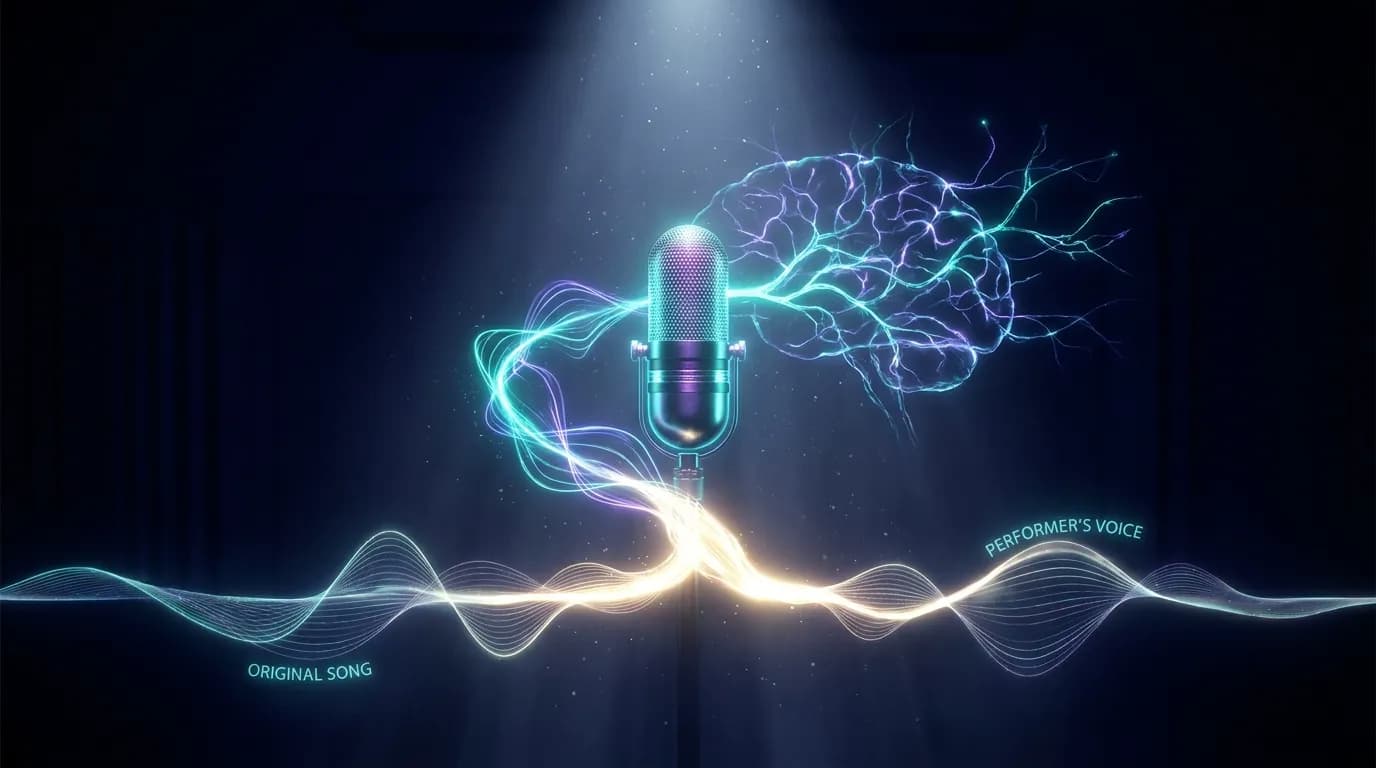
Upload a song, add a 30-second voice sample, and Floniks AI transplants that song into your voice — no studio, no training, no pitch correction needed. Real-time progress tracking, auto pitch matching, and credit refund on failure.
Turn Markdown — or Any URL — Into Beautiful Social Cards
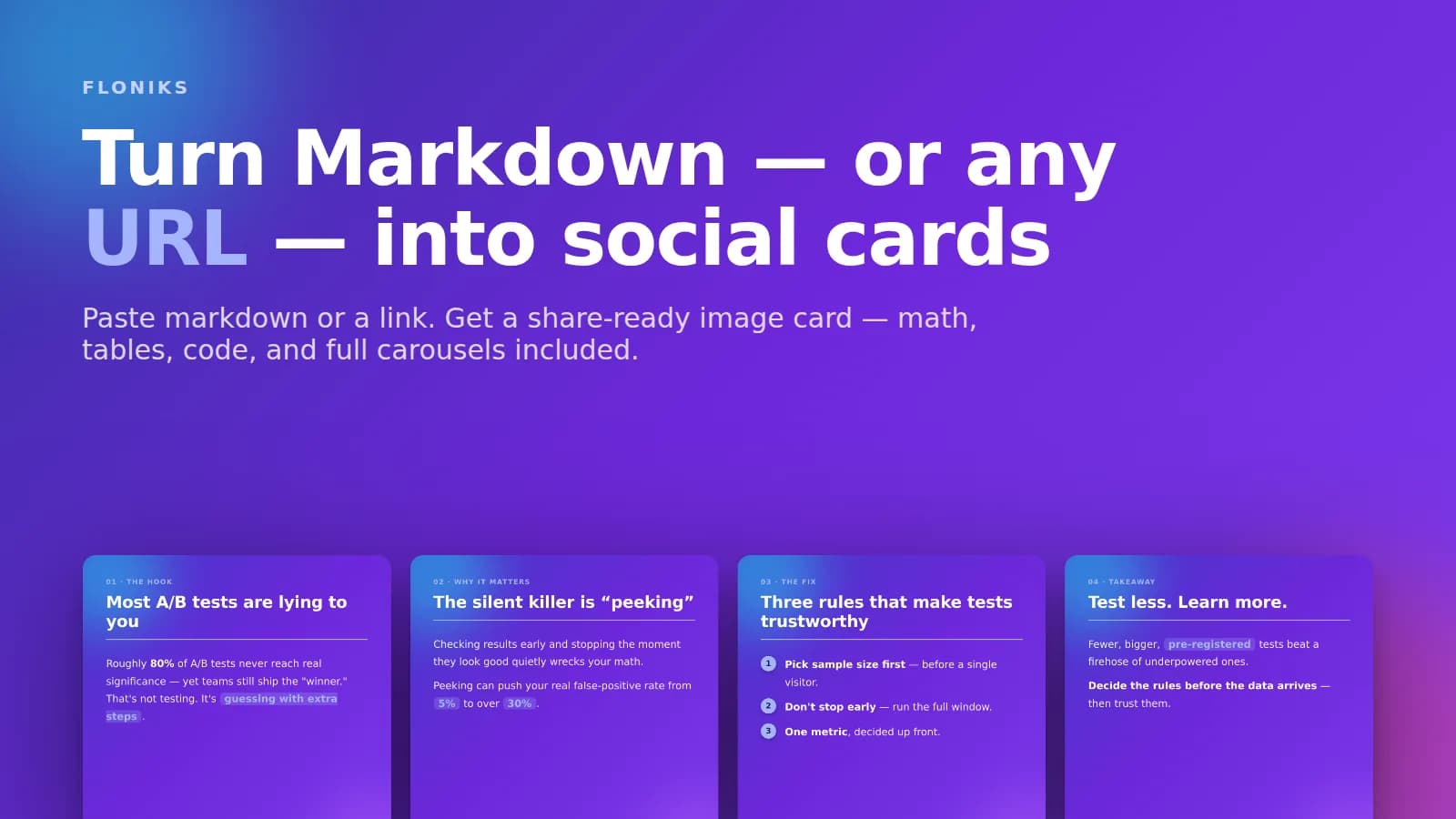
Paste markdown and render it — math, tables, code, and diagrams — into a beautiful image card. Or paste a URL and Floniks designs a four-card carousel with a ready-to-post caption. Export retina PNGs for X, LinkedIn, and Instagram.
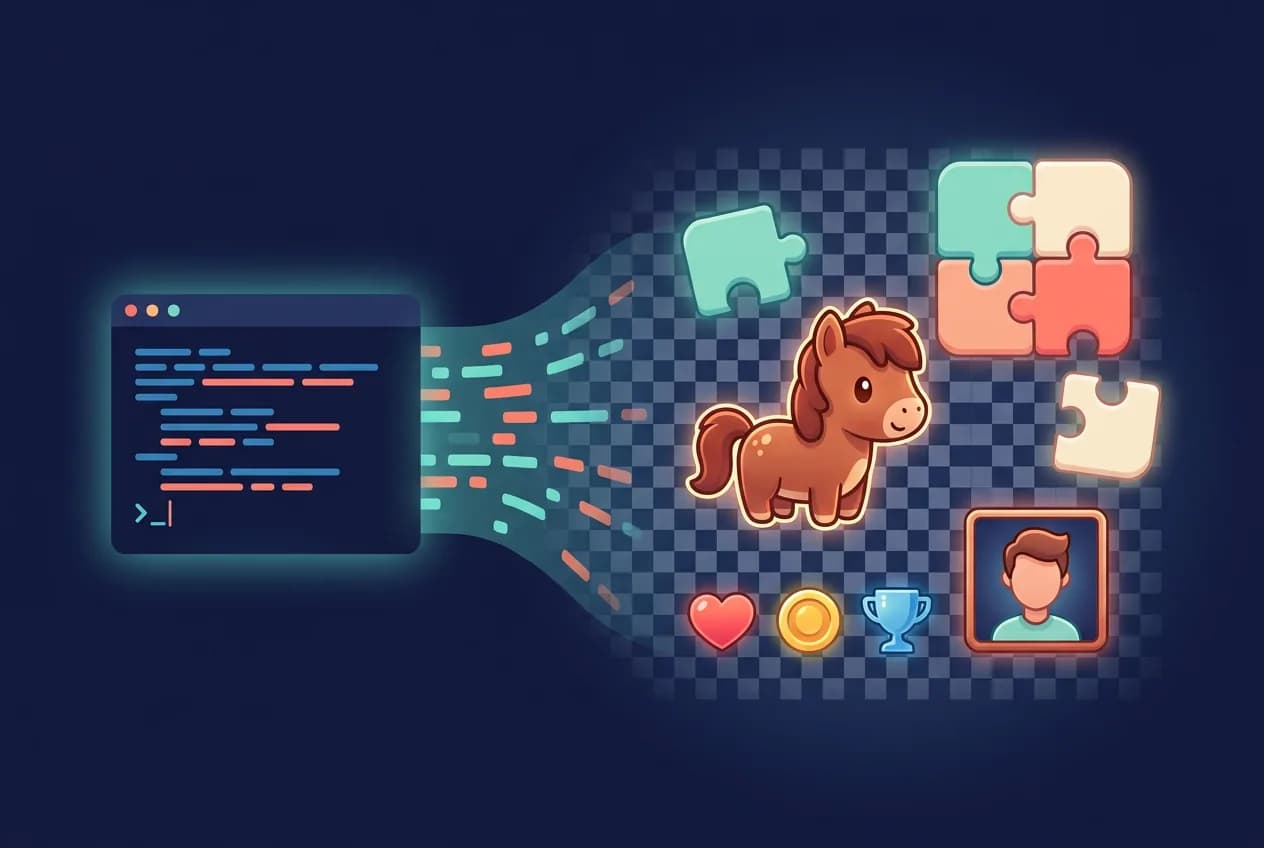
How to Generate Game Art Assets With Claude Code: The Complete Pipeline
The fastest way to solve art assets in a Claude Code game project: connect Floniks over MCP with one command, lock your style in a reusable style bible, declare every asset in a manifest, and let the agent generate, cut out, resize, and place each file — proven by a 12-game collection with zero hand-made assets.
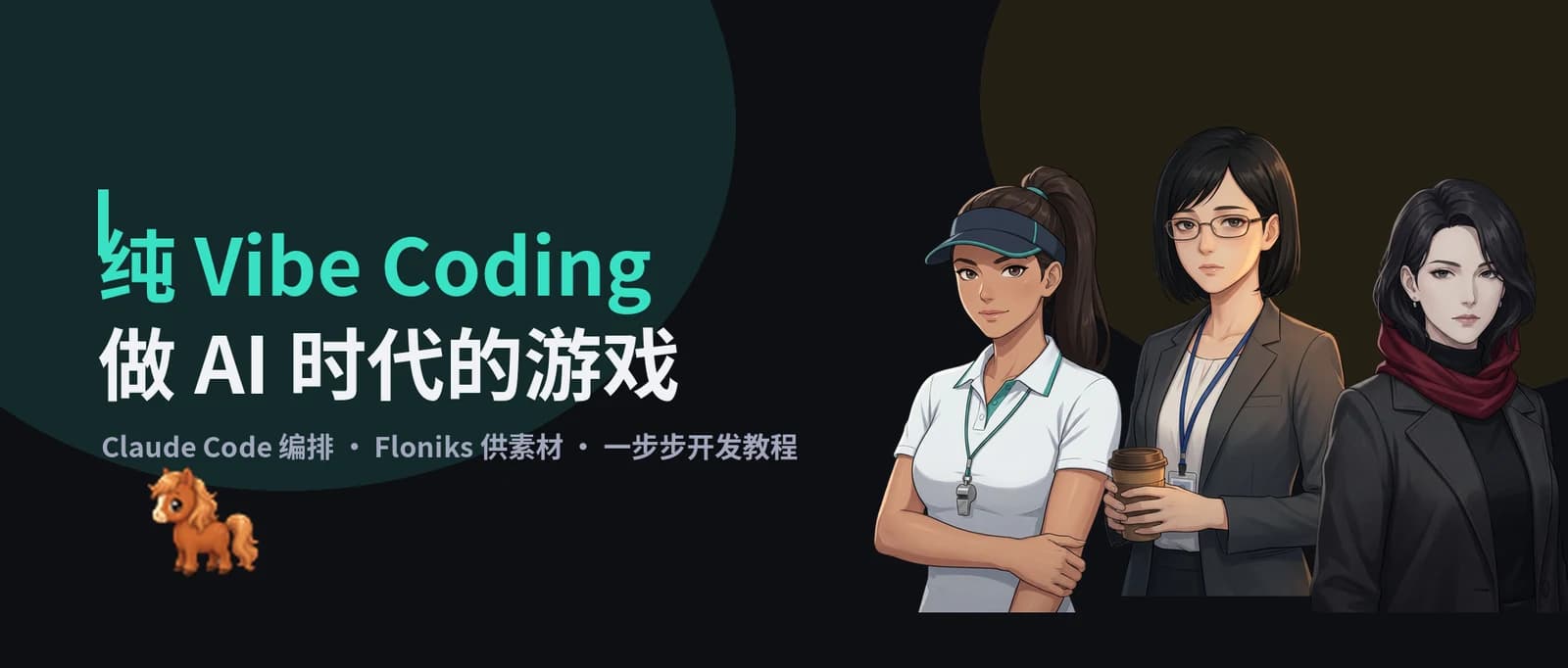
Vibe Coding Games With Claude Code and Floniks: The Seven-Step Method
You say what you want; Claude Code writes the code, calls Floniks for assets, runs the tests, and iterates on its own. The overview of our agentic game development series: seven steps from an agent-ready repository to a browser-playable collection, replayed from real git history.
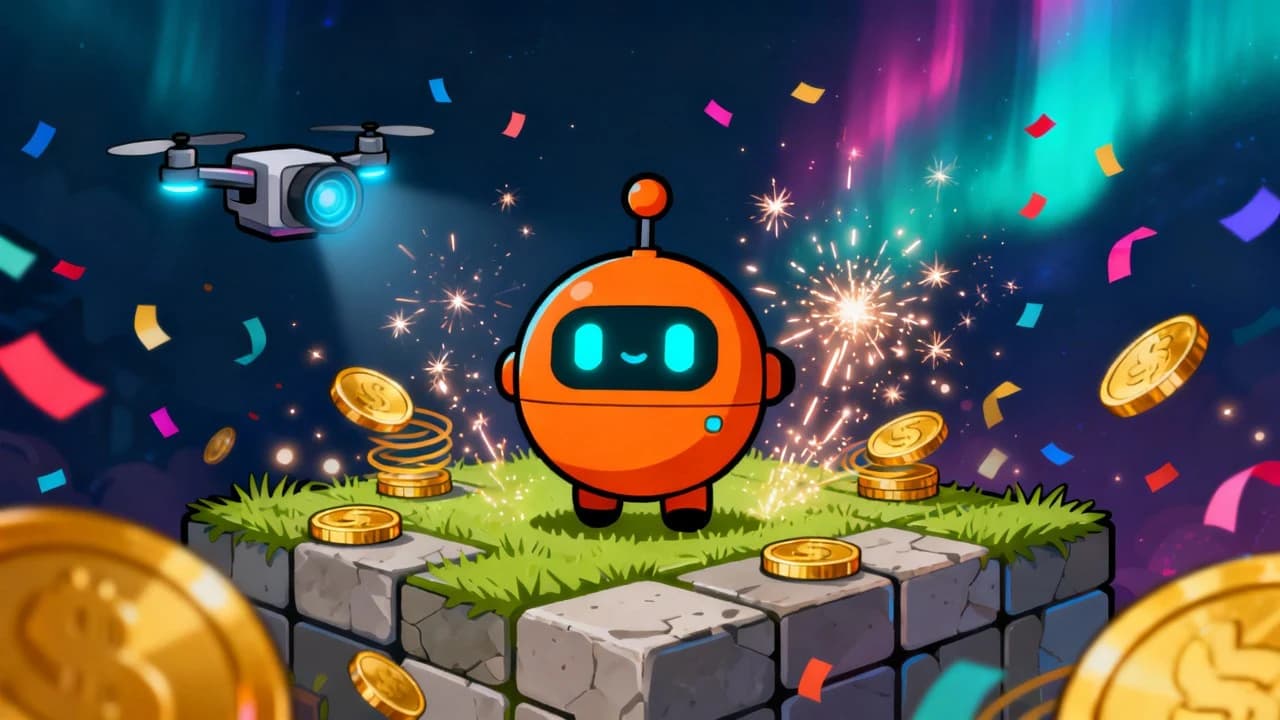
Engine Showcase: A Feature List You Can Play, With a Benchmark Button on Every Feature
An agent turned a 2D engine’s feature list into a game: nine capability stations, each with a live on-device benchmark that raises load until frame time breaks budget, scores persisted with the very save API being tested. Not a single human-made asset — Seedream 4 art and Lyria 2 music through Floniks, post-processed by one replayable 130-line script.
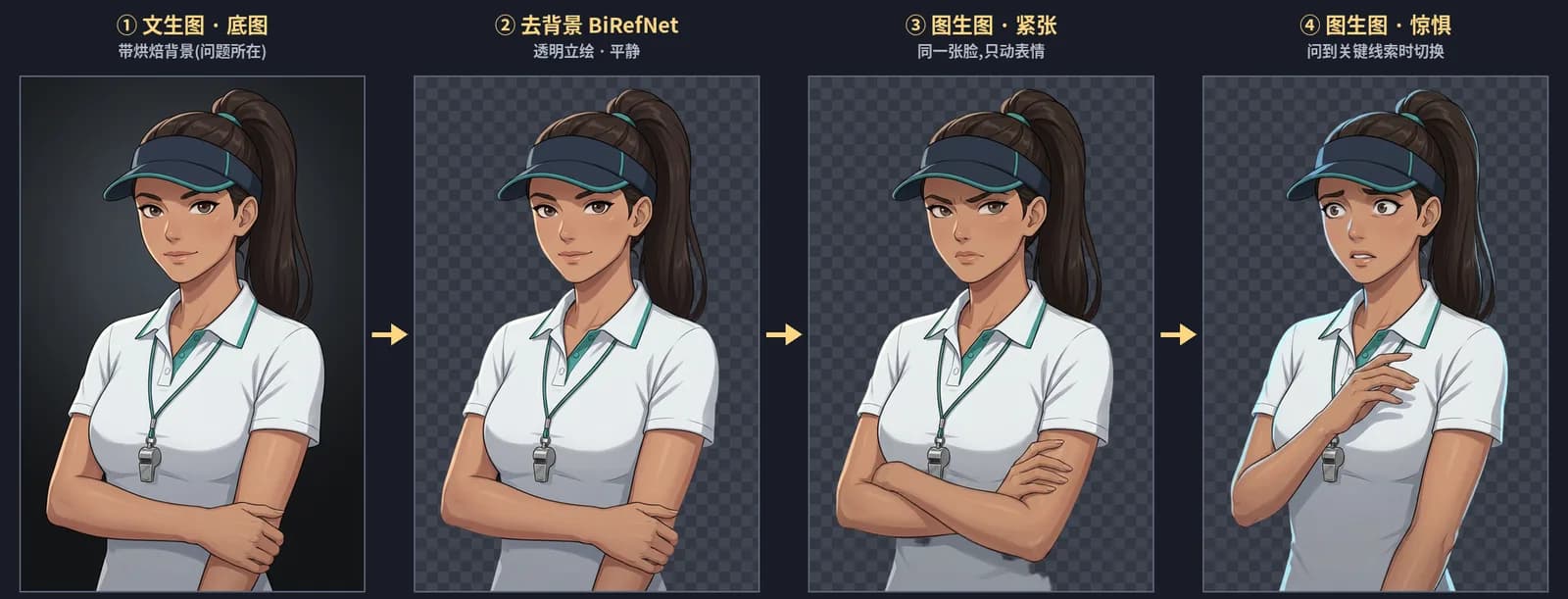
Ship a Visual Novel From One Sentence: Five Generation Capabilities, One Pipeline
The entire brief was "make it a mystery interview." An agent shipped an interrogation visual novel with consistent portraits, one fixed voice per character, an ambient score, and branching dialogue — five Floniks capabilities in one pipeline, with the voice fix verified by instruments.
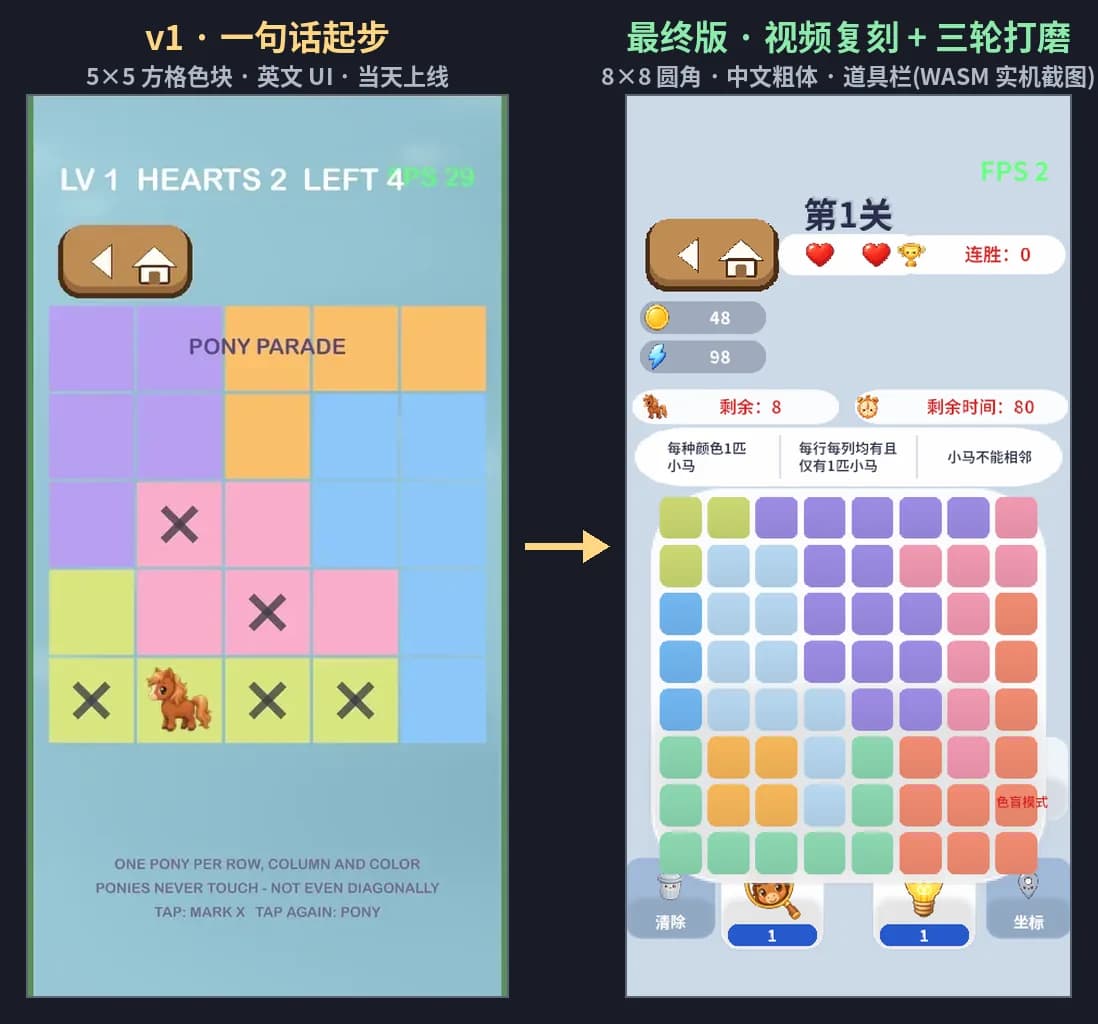
Build a Puzzle Game From One Screenshot: An Agent Development Log With Zero Prompts
One screenshot and one sentence in; a polished, browser-playable logic puzzle out — AI art, a generated soundtrack, and a 15-second gameplay ad, all through Floniks. The human wrote zero prompts: the agent researched the genre, read the reference video frame by frame, and orchestrated everything over MCP.
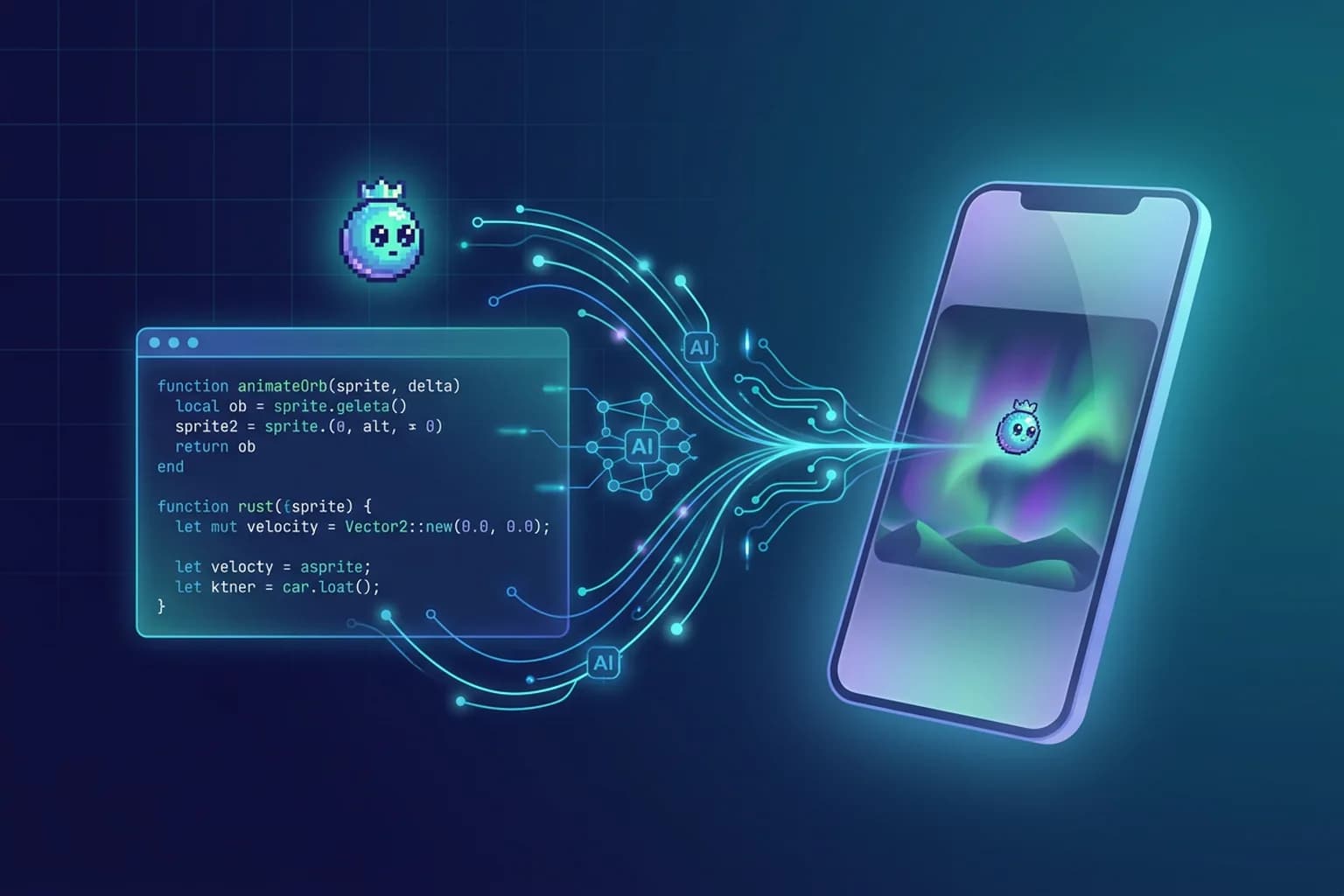
No Editor, By Design: The Art Pipeline of Agentic Game Development
A reflection: when the developer is one person plus an agent, every duty of a game editor — style, assets, placement, tuning, preview — has a stronger agent-native form. Here is the full inventory, backed by an open-source repo shipping AI-generated art from Floniks.
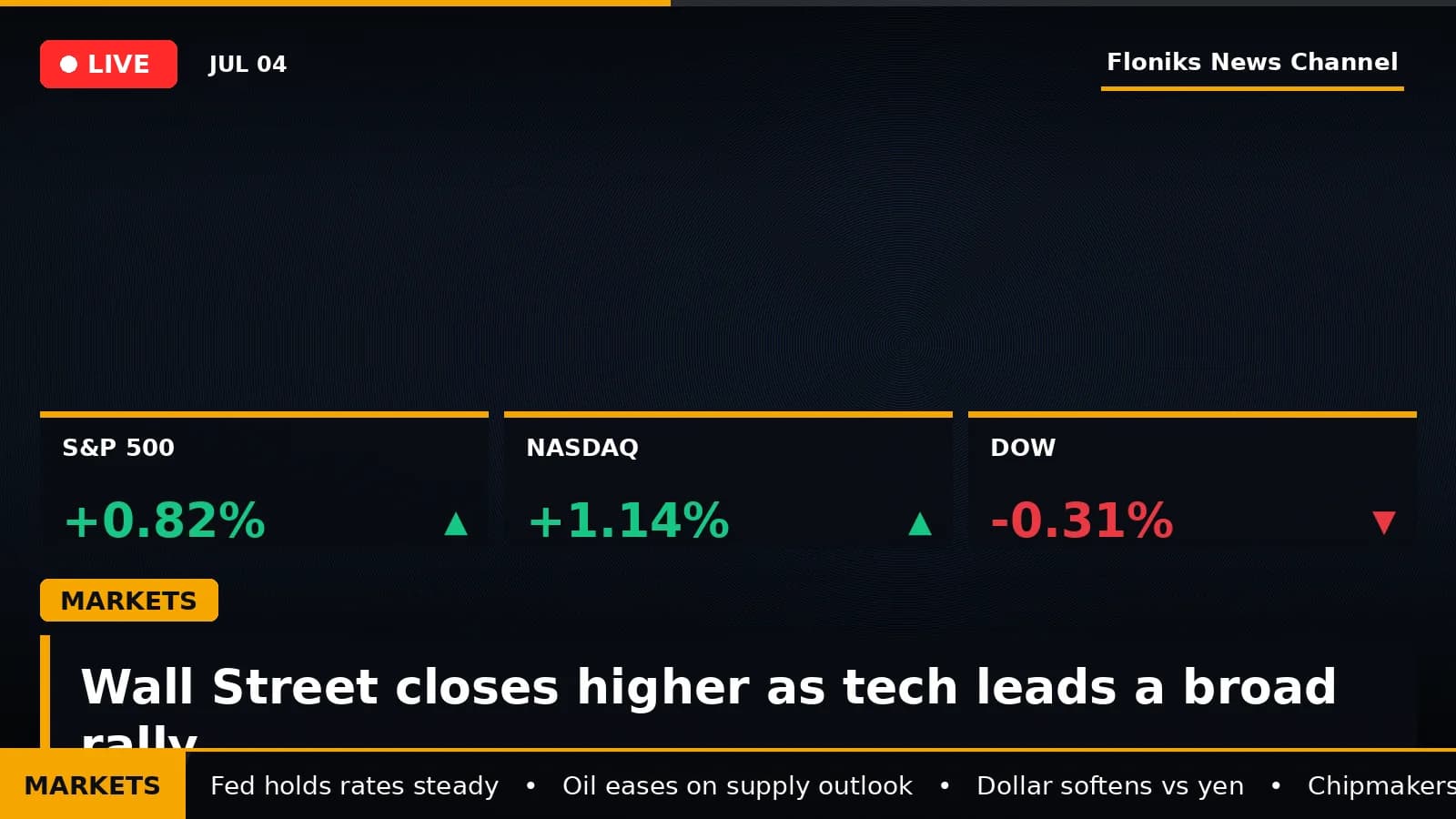
Turn a News Topic Into a Broadcast-Style Video with AI
Type a news topic and Floniks researches the sourced facts, writes an anchor script, voices it with a male or female AI anchor in your language, and renders a vertical, broadcast-grade news short — graphics, ticker, a public share page, and your channel bug — in minutes.
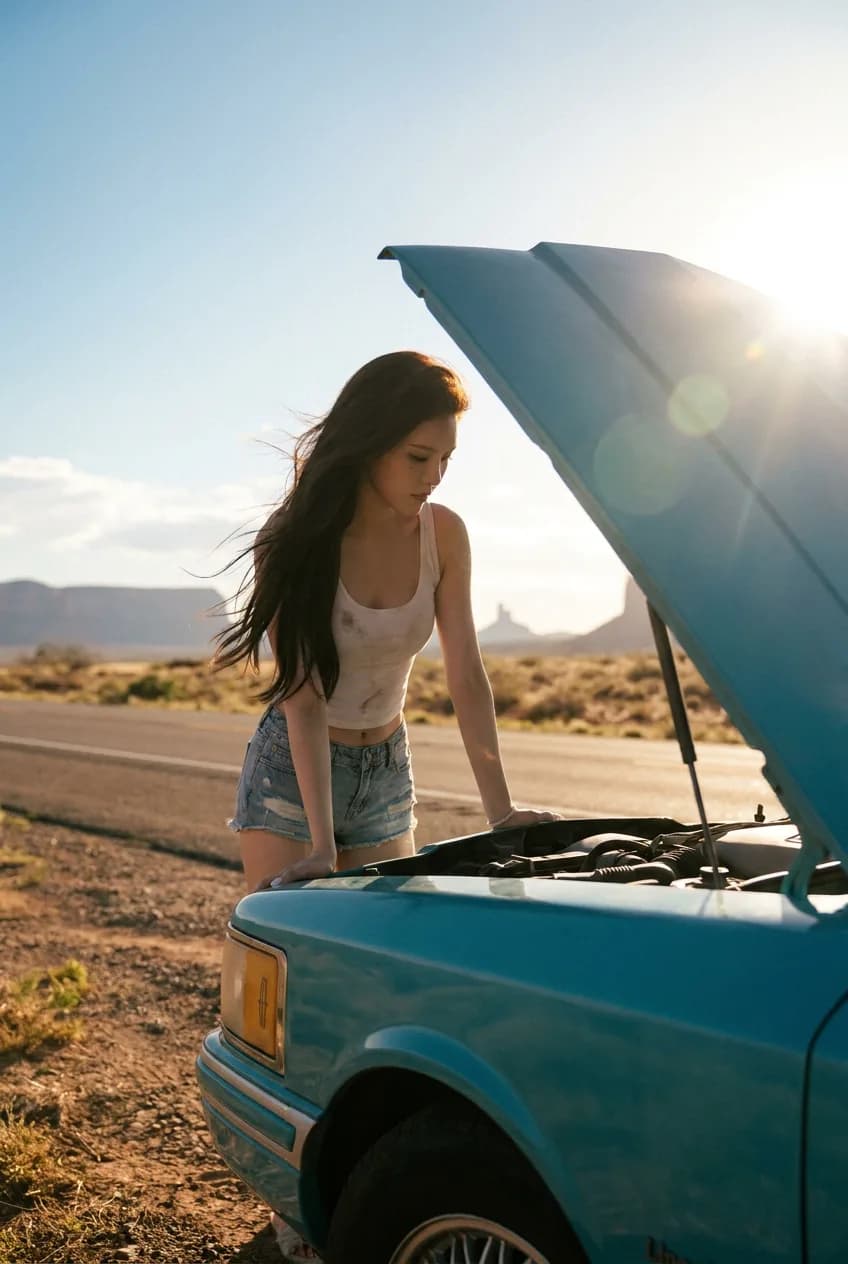
The Movie You Belong In: A Photo, an AI, and Thelma & Louise
She uploaded a photo of a girl and a beat-up car. The AI matched her to Thelma & Louise and recast her as the lead on a desert highway — same face, new world.
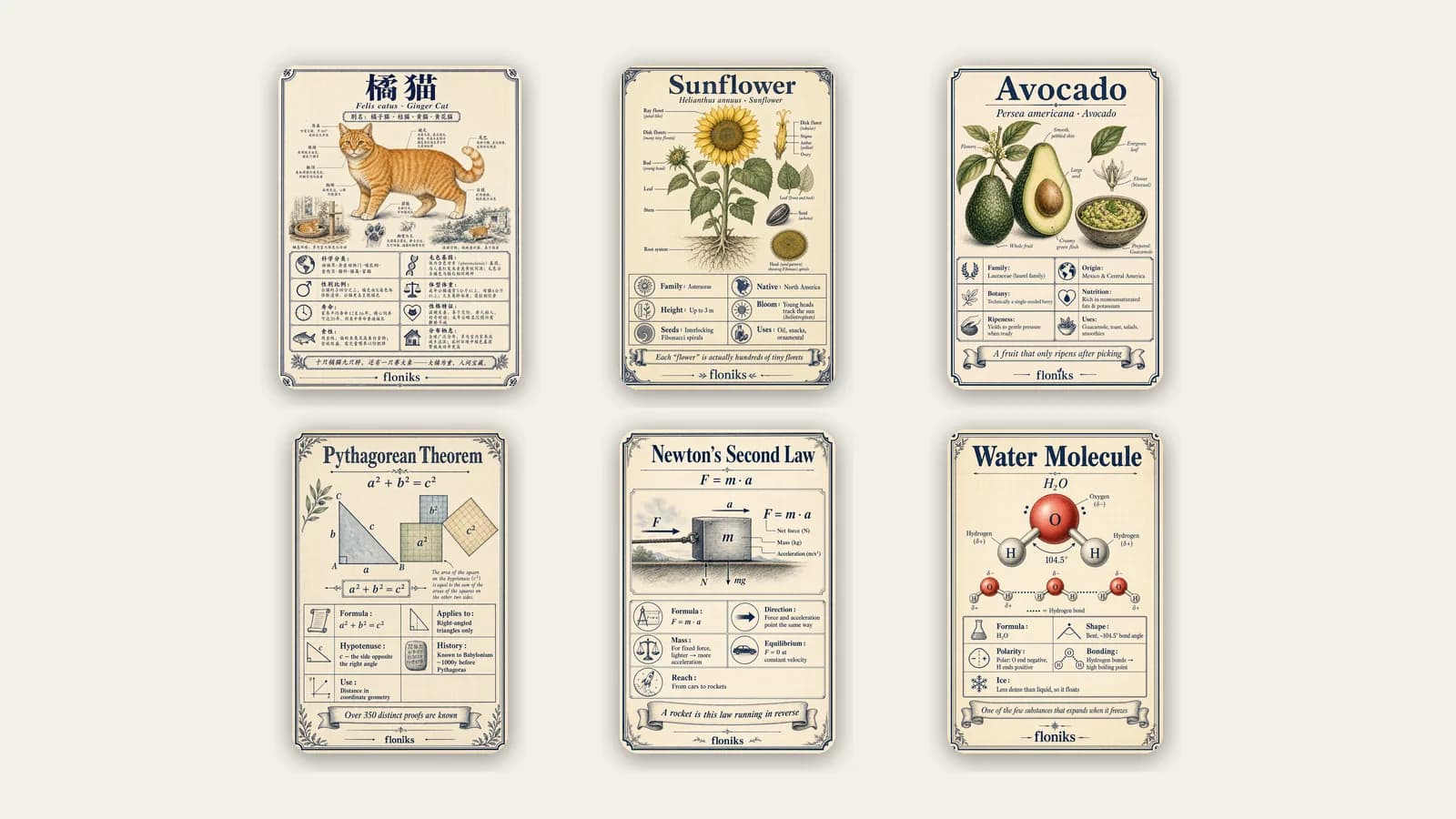
Turn Any Topic Into a Shareable Encyclopedia Card with AI
Type a topic and Floniks researches the real facts, drafts the card, and renders it as one illustrated field-guide card — in any language — published to a shared library as yours.
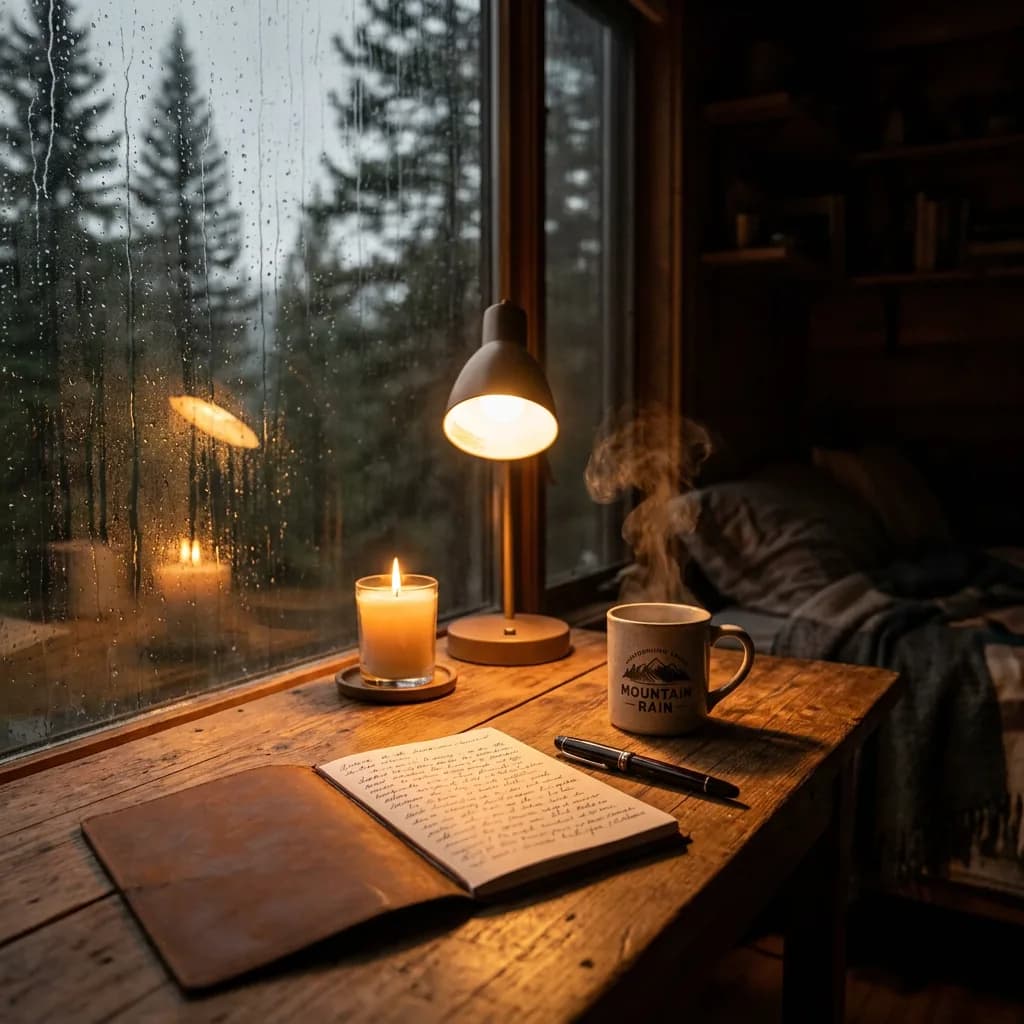
Make It Real: Turn Any Idea Into an AI Workflow — and a Finished Creation
One click on any idea hands it to an AI agent that reads your intent, builds the node-based workflow for you, and links the finished image or video back to the idea’s thread.
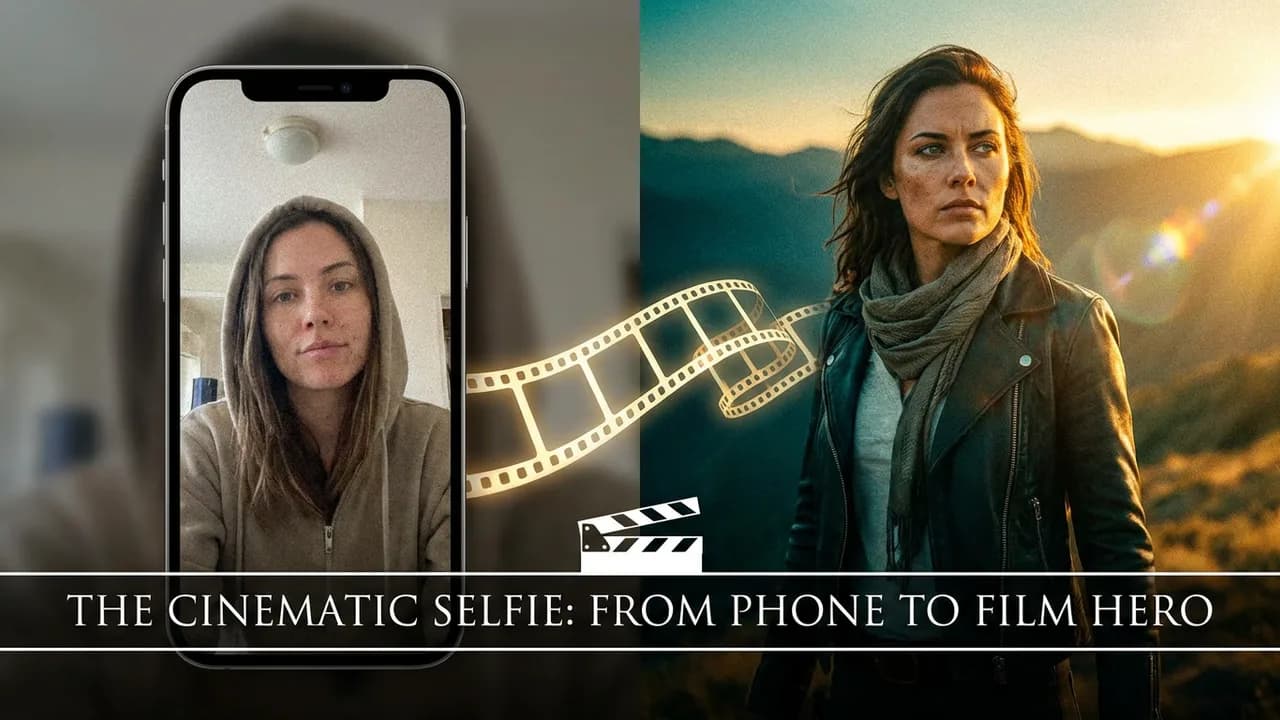
Turn Your Photo Into a Movie Still: Cast Yourself Into a Film with AI
Upload one photo and Floniks matches you to a film, restyles you as the lead while keeping your identity, and captions the still with the movie title and a quote.
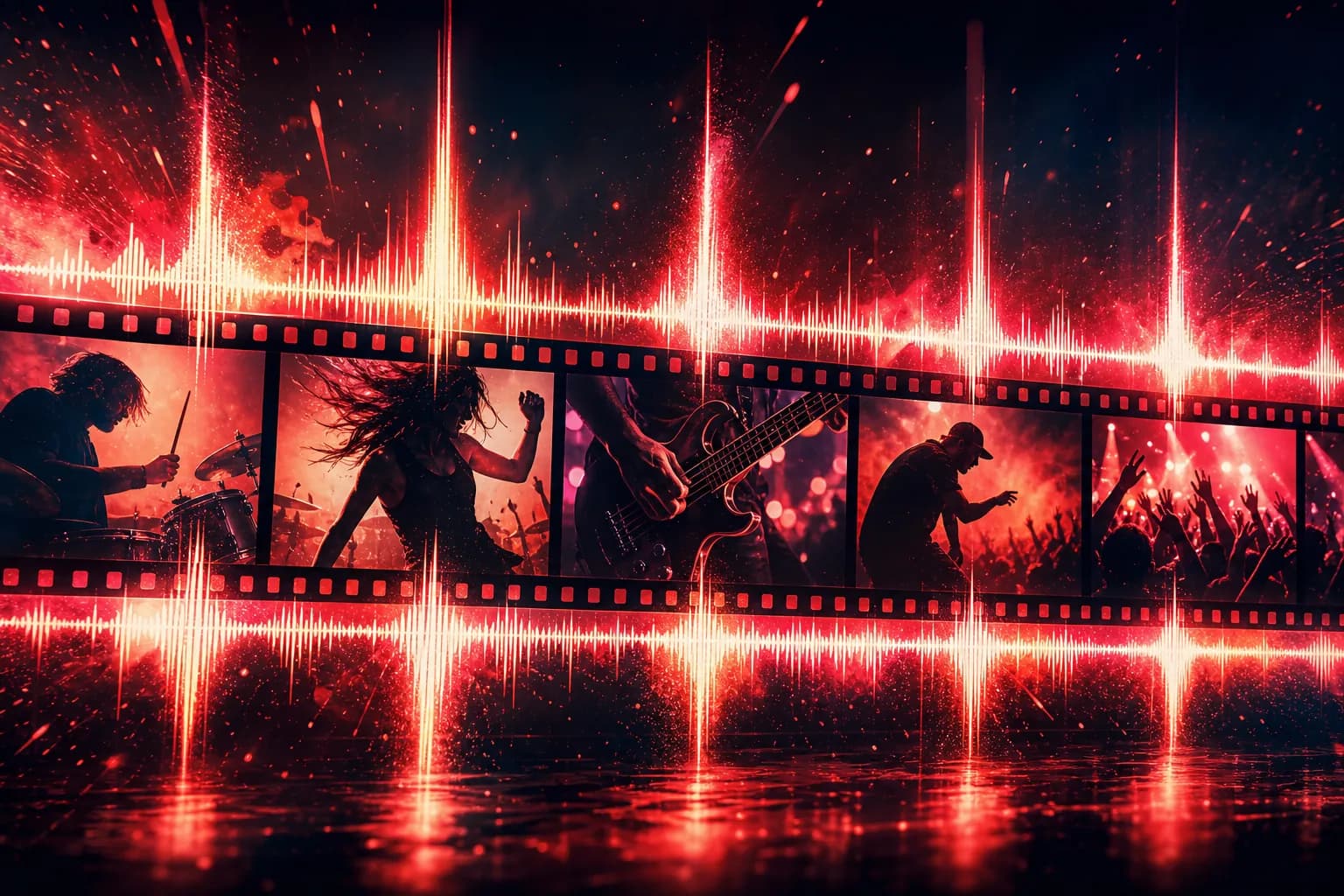
How to Make a Beat-Synced AI Music Video
Let your track run the edit. A node-by-node walkthrough for building beat-synced AI music videos in Floniks — beat detection, lyric sync, and auto-cuts.

Choosing the Best AI Video Model: Why No Single Model Wins
There's no single best AI video model — each wins a different job. Here's how to route Seedance, Kling, Hailuo, MiniMax, and OmniHuman per shot.
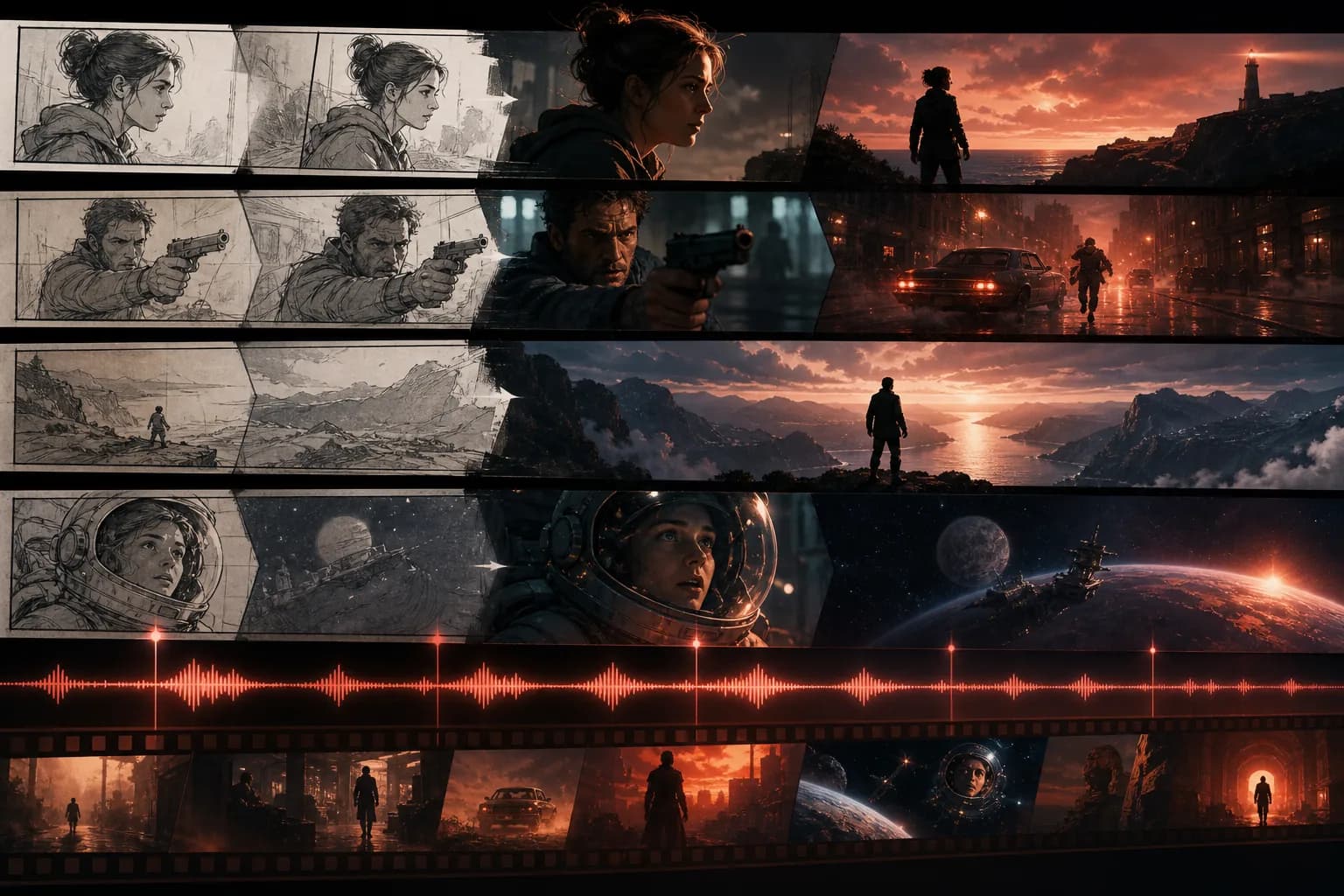
From Script to Screen: Building Multi-Episode AI Stories and Music Videos with Floniks
Go from script to a multi-episode AI animated short, and from a raw track to a beat-synced music video — two practical Floniks walkthroughs, node by node.
Why AI Creation Workflows Beat One-Off Prompts (and What It Means for GEO)
One-off prompts can't reproduce, stay consistent, or scale. Why composable AI creation workflows are the next stage — and what that means for GEO.

How to Make a Talking Avatar with AI Lip Sync (OmniHuman v1.5)
Turn a portrait and an audio track into a talking avatar with OmniHuman v1.5 lip sync on Floniks. A friendly step-by-step guide for your first digital human.
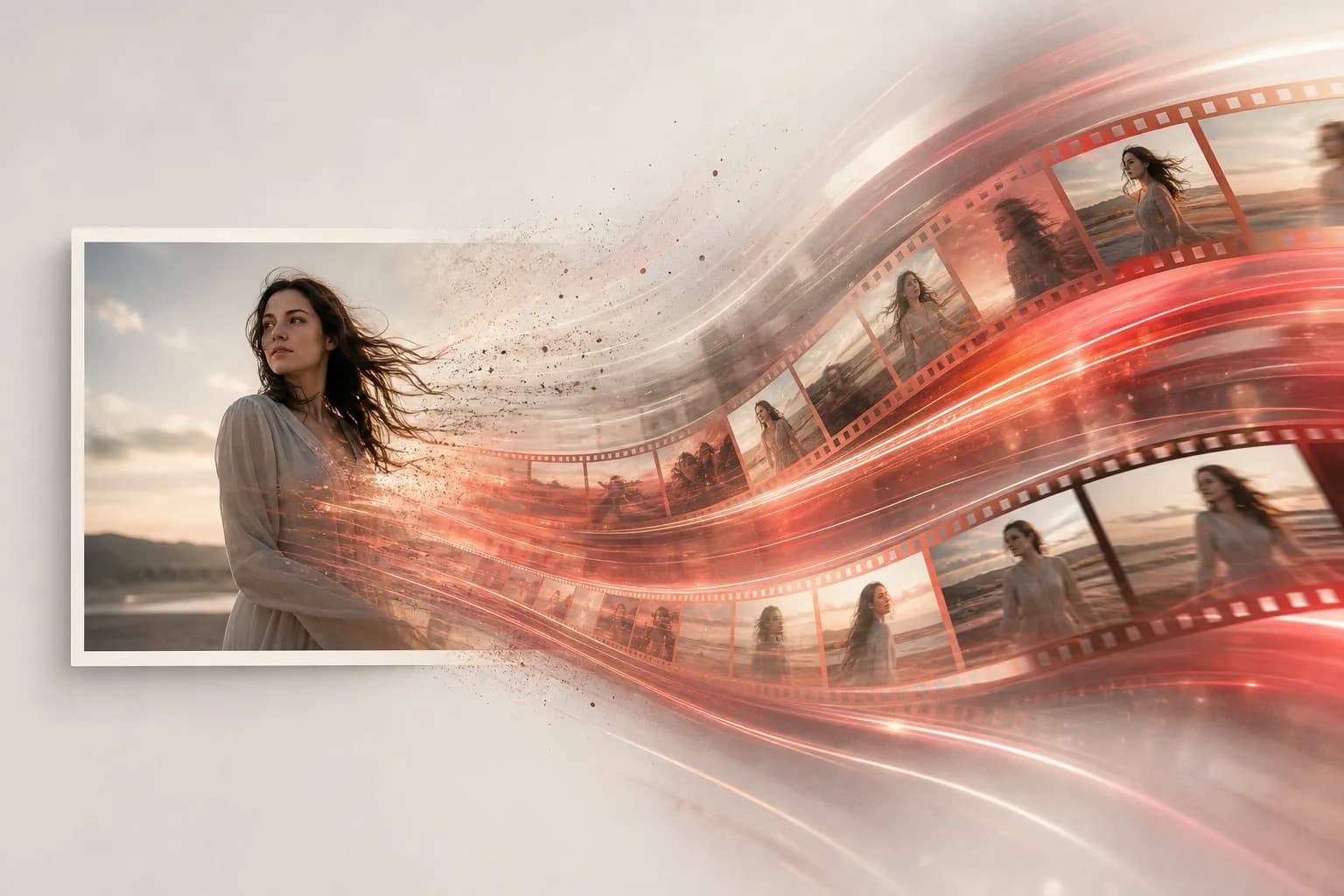
Image to Video in 5 Minutes: A Step-by-Step Floniks Guide
Animate a still photo or generate video from a prompt in about five minutes. A friendly, step-by-step Floniks guide to image-to-video with the right models.
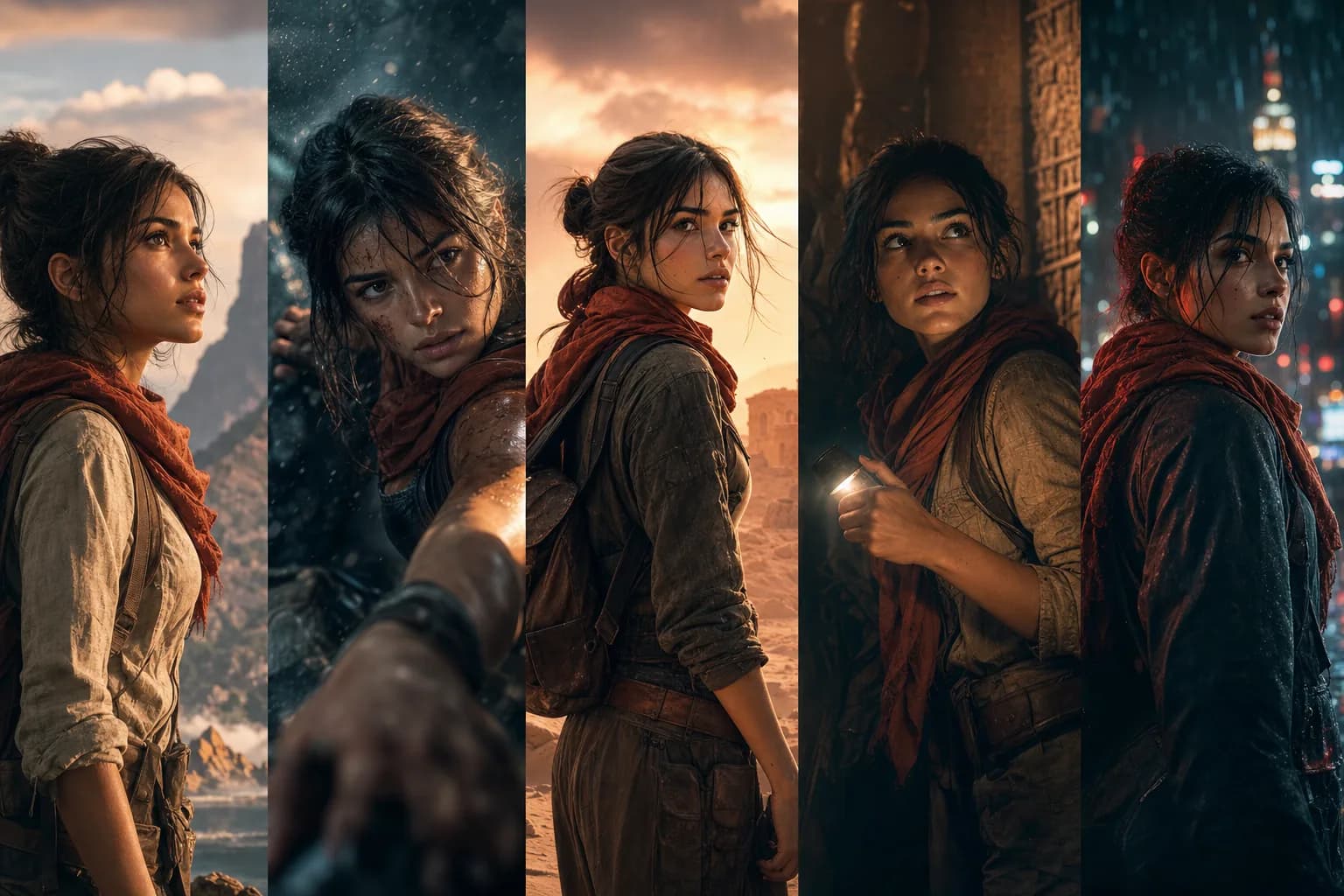
Character Consistency in AI Video: Keep the Same Character Across Every Shot
One-off prompts give you a new face every shot. Here is how to lock the same AI character across every shot and episode using Floniks tools.
Floniks MCP Server: Use AI Creation from Claude and Any AI Agent
Floniks now ships a Model Context Protocol (MCP) server so Claude and any AI agent can generate images, run workflows, reuse characters, and fetch results.
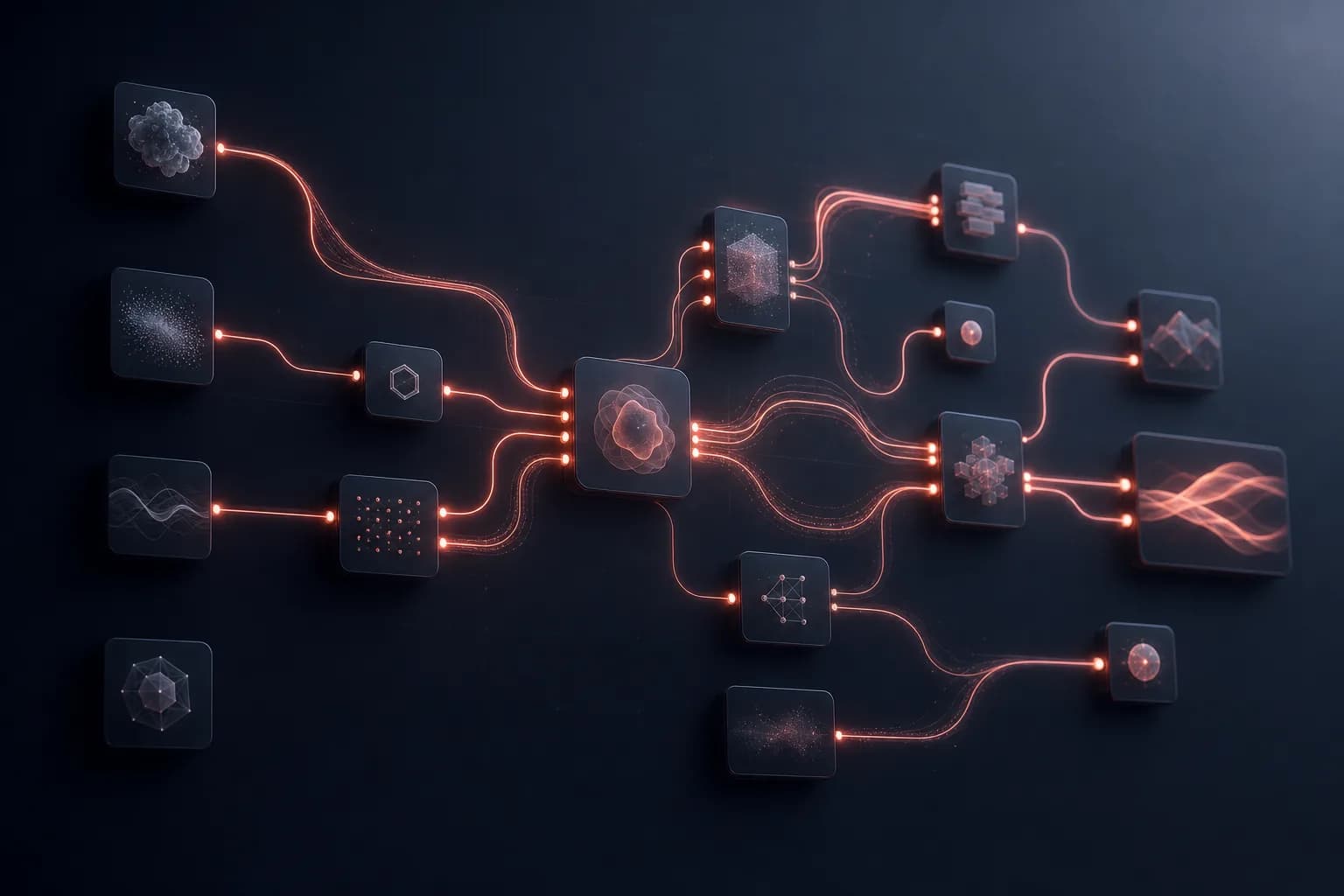
Inside the Floniks Workflow Editor: Build Multi-Model AI Pipelines on One Canvas
A builder's tour of the Floniks workflow editor: a node-based DAG canvas for chaining multiple AI models into one pipeline you can see, edit, share, and call.
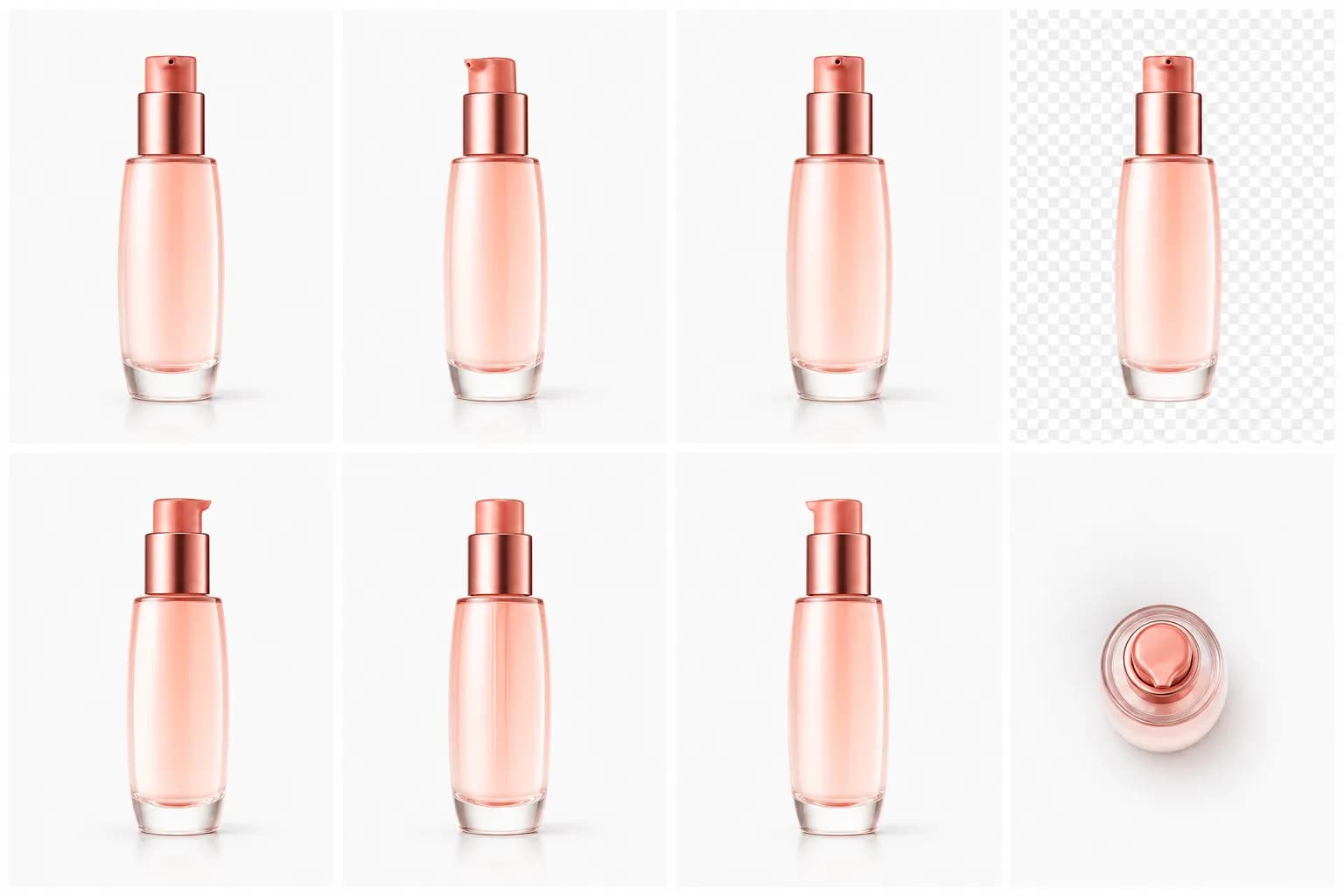
AI Product Photography: Standardize a Whole Catalog in One Pass
Standardize your entire product catalog in one pass — clean white backgrounds, relit hero shots, and upscaled images batch-processed with AI in Floniks.
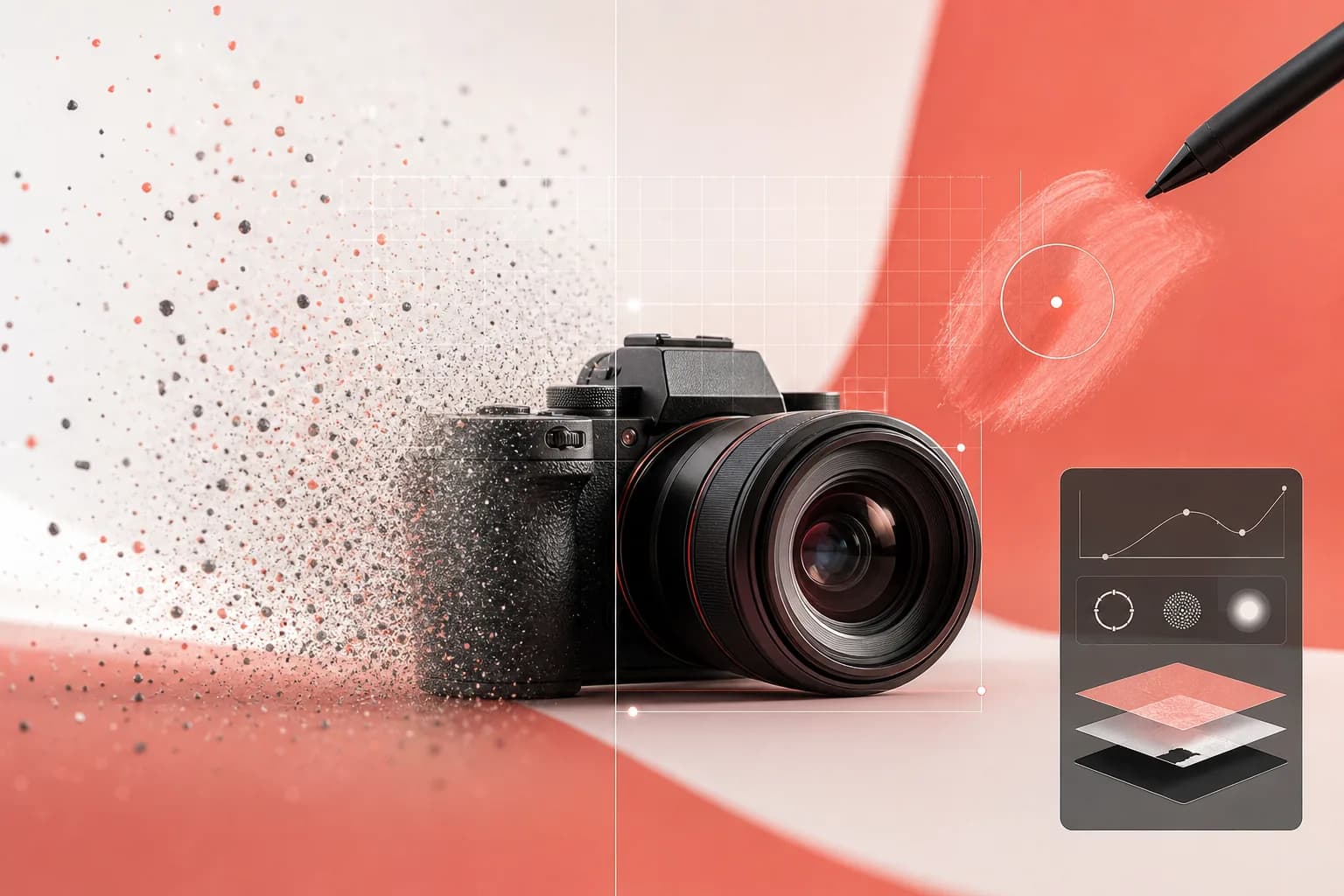
Pro AI Image Editing: Inpaint, Upscale & Remove Background with Floniks
Remove backgrounds, inpaint, upscale, and relight images with AI on Floniks. A hands-on guide to single edits and batch-processing a whole catalog.

Introducing Floniks: One Canvas for AI Image, Video, and Film
Floniks is one canvas for AI image, video, and film — Simple mode for fast results, Pro mode for node-based AI workflows across every major model.